EN

News
Ingenico Move 2500/3500/5000 Battery Replacement Buying Guide
A payment terminal that shuts down early, loses charge quickly or no longer holds a charge may need a battery replacement. For merchants, repair centers and payment-terminal distributors, the difficult part is often not recognizing a worn battery. It is identifying the correct replacement among similar-looking battery packs and overlapping model references.
This guide explains how to verify a battery for the Ingenico Move 2500, Move 3500 and Move 5000, what information to send a supplier, and what to check before a replacement enters service. It is a procurement guide, not a repair authorization. Follow the terminal provider’s service instructions and use an authorized technician where required.
Why the terminal model alone is not enough
Move 2500, Move 3500 and Move 5000 are related portable payment-terminal families, but their battery references and configurations can vary. A replacement battery may be listed for several devices while another battery in the same family is dedicated to Move 5000. Some Move 5000 configurations also use a hardpack connector arrangement that differs from a standard battery connector.
Battery capacities stated in user manuals describe the terminal’s documented battery configuration. They should not be treated as proof that every battery sold under a compatible part number has the same capacity, dimensions or connector. Replacement listings may cover different revisions or aftermarket options. Confirm the original battery label and physical details before selecting a part.
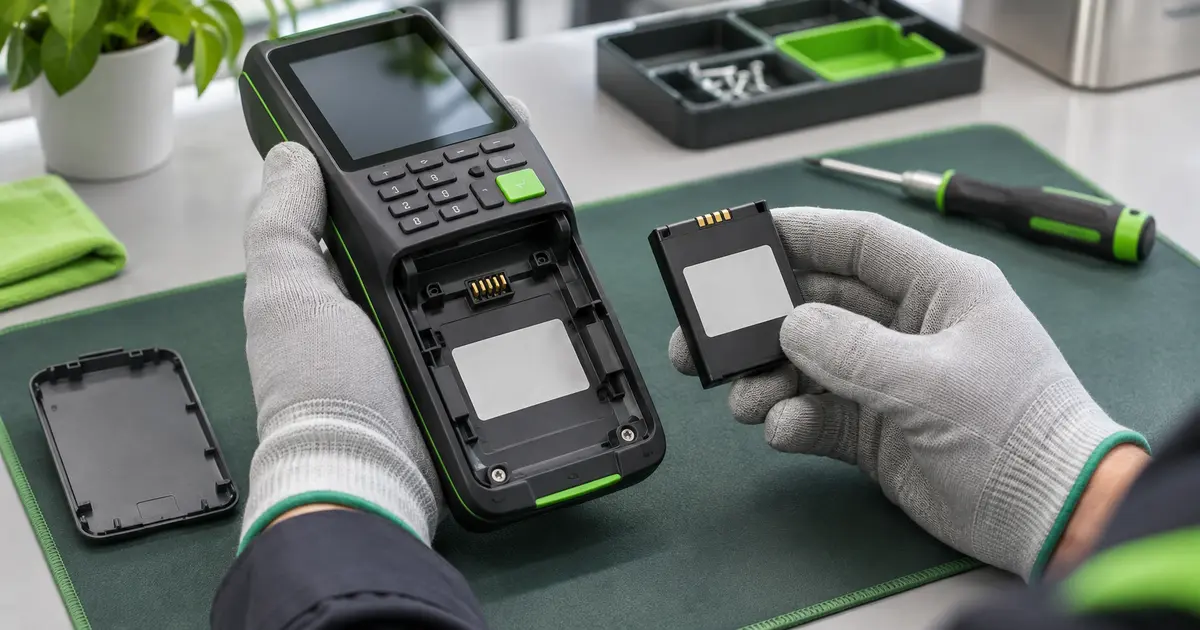
The terminal model and the original battery reference should be checked together.
Battery compatibility at a glance
The table below separates what the manufacturer’s user guides document from what must be confirmed on the unit being serviced. It does not certify cross-compatibility between battery part numbers.
| Terminal family | What to verify | Buying guidance |
|---|---|---|
| Move 2500 | Battery label/part number, capacity, pack outline, cable length, connector keying and polarity. | Use the original battery reference and clear photos to match a replacement. Do not select by “Move 2500” alone. |
| Move 3500 | The same physical and electrical details, plus terminal variant and service configuration. | Compare the battery code and connector with the removed pack. A shared family listing is a lead to verify, not final proof. |
| Move 5000 | Battery part number and whether the pack uses the standard connector or hardpack latch arrangement. | Check the label and connector style carefully. Ingenico’s guide describes separate removal steps for standard and hardpack batteries. |
How to identify the correct replacement battery
1. Record the full terminal model
Write down the model exactly as shown on the back or underside of the terminal, including any suffix or variant. “Move 5000” may not be enough if the unit has a regional, connectivity or hardware variant. If you manage a fleet, record a few sample terminals from each hardware group rather than assuming every unit is identical.
2. Read the original battery label
With the terminal powered off and handled under the applicable service procedure, photograph the battery label. Capture the full manufacturer part number, voltage, capacity, chemistry and any revision or date code. Part-number references such as F26402298, F12432566 or F26402376 appear in replacement listings, but only the code on the original battery or validated service documentation can establish which one applies to your unit.
3. Compare the pack and connector
Take clear photographs of the whole pack, label, connector face, wire exit and latch area. Compare the overall length, width and thickness, connector pitch and keying, cable length, polarity and any clips or molded features. A connector that looks similar can still have a different pinout or lock mechanism. Do not force a plug into place.
4. Confirm the intended use and quantity
Tell the supplier whether the batteries are for one repair, a repair program or a new terminal batch. For volume purchases, ask for a sample or first-article check against the actual terminal before releasing the full order. Confirm the quoted capacity, battery model, connector, packaging, traceability, lead time and any required transport documents in writing.
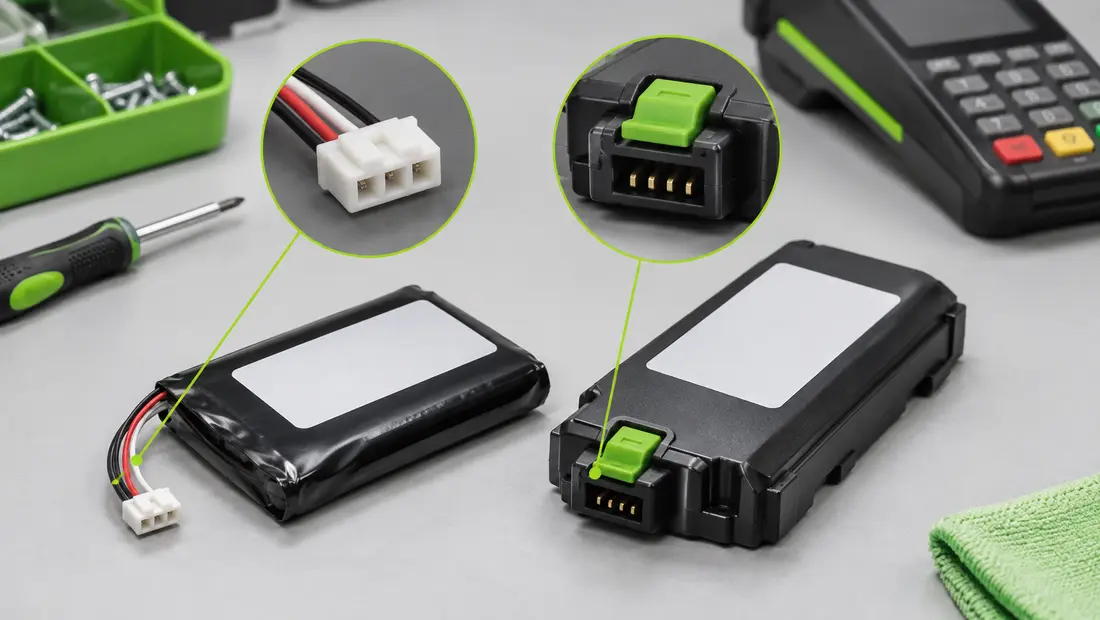
Part number, connector and pack geometry all need to match.
Battery symptoms and what they can mean
| Observed symptom | Possible battery-related cause | What to check |
|---|---|---|
| Terminal runtime is much shorter than before | Capacity has declined with age, temperature exposure or charge cycles. | Compare performance under similar usage and charging conditions; inspect the battery for damage. |
| Battery percentage drops suddenly or the terminal switches off | Cell aging, a poor connection or a terminal-side charging issue may be involved. | Check battery seating and connector condition through the approved service process; verify with a known-good, correct pack. |
| Battery does not charge on the base or adapter | The battery, contacts, base, adapter or terminal may be responsible. | Test the specified charger/base and inspect contacts; avoid assuming the battery is the only fault. |
| Pack is swollen, hot, leaking or physically damaged | Potential battery failure or damage. | Stop using and charging it. Follow local lithium battery handling and recycling requirements. |
A new battery may not solve a problem caused by a damaged charging base, unsuitable power supply, dirty contacts, firmware behavior or a terminal fault. If the symptom remains after a correctly matched replacement is fitted, have the device checked by the payment-terminal service provider.
Safe replacement and post-installation checks
Ingenico’s Move 2500 guide instructs users to switch off the terminal before opening the battery compartment and to verify that the battery connector locks in place. The Move 5000 guide describes a specific battery-change procedure and distinguishes standard from hardpack connectors. It also warns that an unapproved battery can present an explosion hazard. Follow the latest guide applicable to the exact terminal and your service provider’s requirements.
- Power down and disconnect the terminal from its base or external supply as directed by the applicable guide.
- Open the battery compartment using the correct release point; do not pry against the housing or pull on battery wires.
- Release the connector using its latch or locking feature. Do not twist, bend or pull forcefully on the cable.
- Install only a battery confirmed for the exact pack configuration. Check that the connector is fully seated and the pack lies flat without pinching the cable.
- Close the battery cover, charge according to the terminal instructions and verify normal startup, charging indication and operation.
- Retire the old battery through an approved collection or recycling route. Do not place lithium batteries in ordinary household waste.
Do not use a swollen, punctured, leaking or unusually hot battery. Do not modify the connector, remove the protection circuit or attempt to substitute loose cells for the original battery pack.
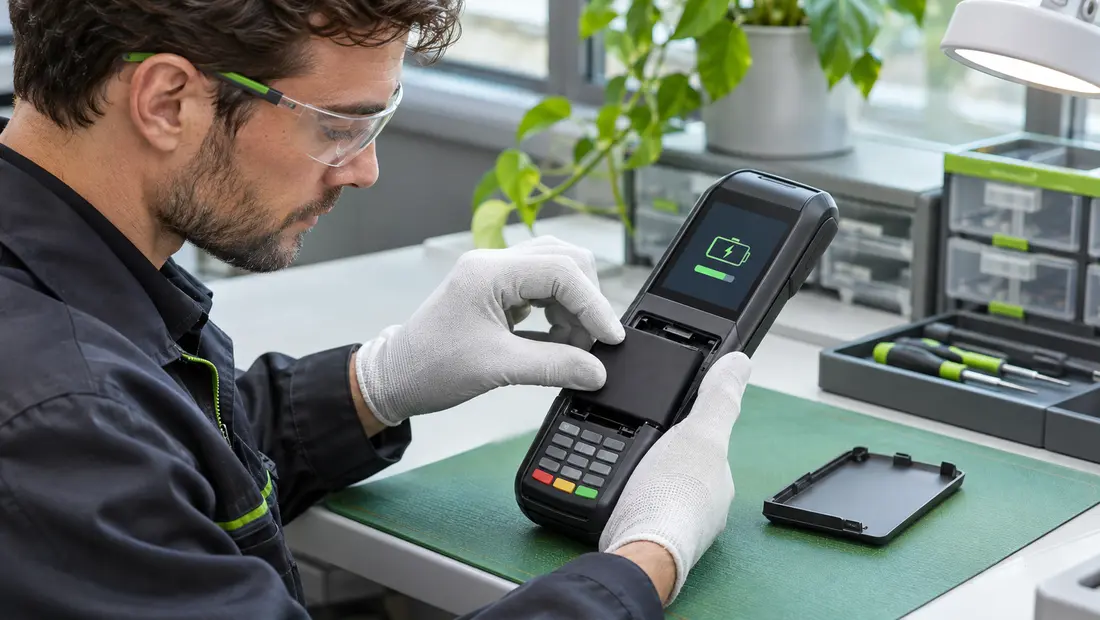
Confirm the pack is seated and the terminal charges normally after service.
What to send a supplier for a faster quotation
- Exact terminal model and any suffix or variant.
- Photos of the terminal identification label and the original battery label.
- Clear photos of the complete battery pack, connector and latch.
- Original battery part number, voltage and capacity, if legible.
- Required quantity, destination country and target delivery date.
- Any requirements for samples, documentation, packaging or batch traceability.
For example, Cowon’s Move 2500/3500/5000 battery listing identifies part number F26402298, while a separate Move 5000/5000F battery listing identifies F12432566 and F26402376. These product pages are starting points for identification; confirm the original battery code, connector and exact quoted specification before ordering.
Frequently asked questions
Can one battery fit the Move 2500, Move 3500 and Move 5000?
Some replacement listings cover multiple Move models, but that does not establish universal compatibility. Match the original part number, pack outline, connector and configuration. Move 5000 may use standard or hardpack battery arrangements.
Is a 2900 mAh battery correct for every terminal?
Ingenico user guides list a 2900 mAh Li-ion battery in the documented Move 2500, Move 3500 and Move 5000 configurations. Terminal variants and replacement pack references can differ. Verify the battery installed in your terminal and confirm the exact supplier specification.
What is the difference between standard and hardpack batteries?
The connector and release method differ. The Move 5000 user guide provides separate instructions for disconnecting standard and hardpack batteries. Identify the installed style before ordering and follow the matching service procedure.
Can I replace the battery myself?
That depends on your terminal ownership, service contract and local payment-provider requirements. Follow the applicable Ingenico documentation. Where maintenance is restricted to authorized technicians, use the approved service channel.
What should I do with the used battery?
Keep it away from heat and metal objects, protect the terminals from short circuit and use an approved lithium battery recycling or collection program in your country.
Need help identifying a Move terminal battery?
Send Cowon the terminal model, original battery label and clear photos of the pack and connector. Our team can help review the available replacement options and confirm the details needed for a quotation.
Contact Cowon · Browse payment terminal batteries
Ingenico Move 2500 User Guide (October 2022)
Ingenico Move 3500 User Guide (October 2022)
Ingenico Move 5000 User Guide (October 2022)
Battery capacities, replacement references and configurations should be verified against the exact terminal and battery revision before procurement or service.